

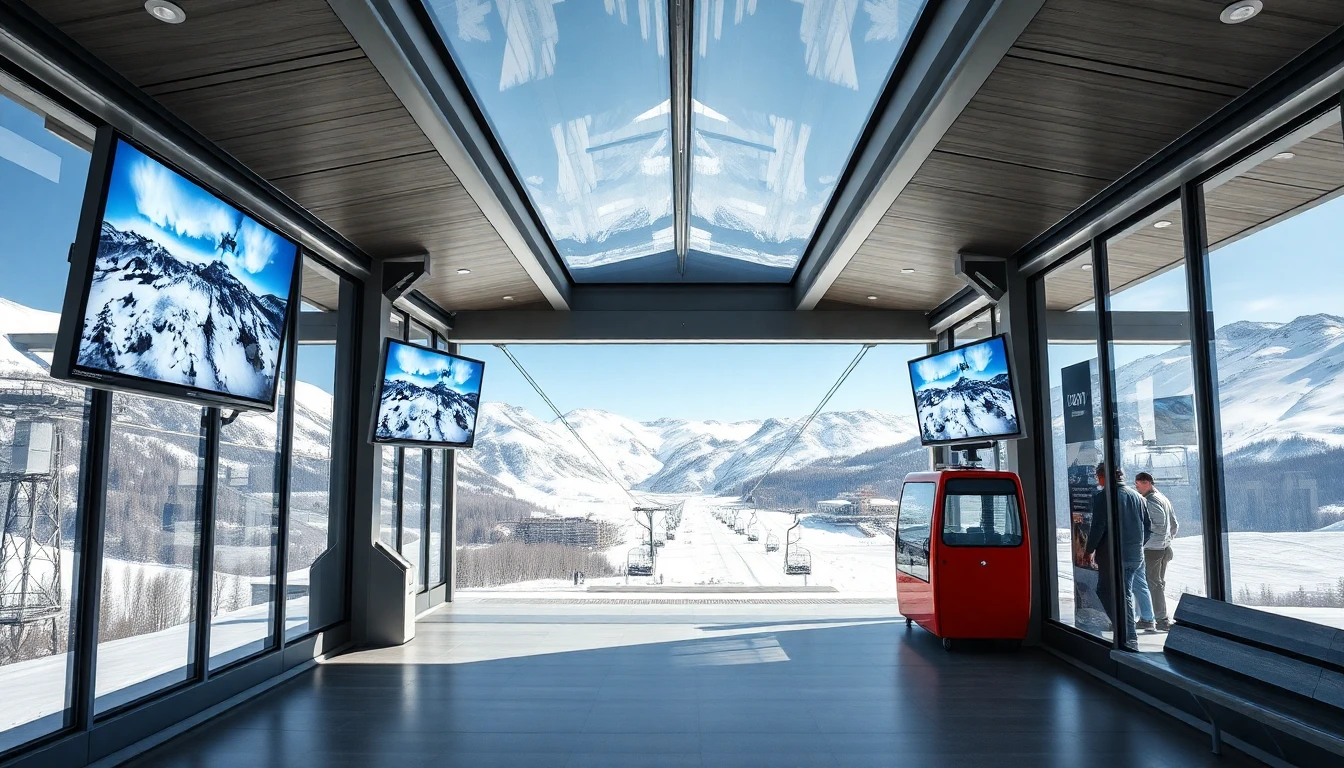
Snow webcams are one of the most useful tools for deciding whether to set off, especially in spring and in the shoulder seasons. Snow reports and forecasts help, but an up-to-date webcam shows you straight away the three things that really matter: how much snow there is, whether the sky is clear and whether the lifts are turning.
The trick is not just to look at whether everything is white. Reading a webcam properly takes a few more checks.
The 60-second checklist
Before you pick a resort, open at least two webcams: one in the valley and one up the mountain. If you can, add a view of the lift base as well.
| What to look at | Why it matters |
|---|---|
| Webcam altitude | A camera at 2,400 m tells you nothing about conditions in the valley |
| Time of the image | If it has not updated for hours, do not base your decision on it |
| Visibility | In fog or strong wind there may be plenty of snow, but the day will still be hard work |
| Slope conditions | In spring the runs back to the valley can close before the higher slopes |
| Lift queues | Useful at weekends and on bank holidays |
For a first shortlist, start from our webcams section, then open the resort’s official pages to check opening hours, lifts and service notices.
Spring: look up, not down
From March onwards, snow varies a great deal with altitude. A village with no snow does not mean the skiing is poor: slopes above 2,000 m often stay firm in the morning, while the lower runs back to the valley turn slushy or close.
The rule of thumb is simple:
- if you want proper skiing, check the webcams above 2,000 m;
- if you are travelling with children, look at the beginner area and the run back to the valley too;
- if all you want is a scenic ride up, visibility counts for more than the amount of snow.
In resorts such as Cervinia, Livigno and Passo Tonale, the difference between the village webcam and the one up the mountain can be huge.
Read webcams and lift status together
A glorious webcam picture is not enough if the main lift is closed because of wind. Before you set off, open the resort’s open lifts page as well. Look for three things:
- the link from the valley to the upper slopes is running;
- the run back to the valley is open, or you have to ride the gondola down;
- any closures for wind, races, maintenance or the end of the season.
This step matters most on glaciers and high ski areas. At Plateau Rosa, Presena or the Marmolada, a weather closure can change your whole day.
Using webcams to choose a resort
If you already have a destination in mind, the webcam is there to confirm it. If you have not decided yet, use webcams to compare similar resorts:
- best snow: look for shaded slopes and high runs;
- a day for the views: pick webcams showing clear skies and light wind;
- families: check the ski school areas, car parks and lift arrival points;
- spring skiing: choose high altitudes and start early;
- busy weekends: watch queues and crowds from 09:00.
There is no need to check ten resorts: three destinations that suit the time of year, read carefully, are better.
Common mistakes
The first mistake is trusting a single image. The second is ignoring the timestamp: some webcams update every few minutes, others can freeze. The third is confusing scenic snow with skiable snow: a white meadow around the lift station tells you very little about the state of the slopes.
To decide well, always cross-check webcams, the weather forecast, the snow report and lift status.
Useful sources
- Livigno webcams and live information
- Cervino Ski Paradise lifts and slopes
- Pontedilegno-Tonale lifts
Related articles
Plan your stay
Choose where to stay in the mountains
Accommodation guides near the lifts, with areas and practical selection criteria.